
Imagine telling your computer: “Plan my week, research the best flight deals, and write a summary of the latest news on climate tech.” Then you walk away, and it actually gets done. That is not science fiction. That is agentic AI.
Agentic AI is a new kind of artificial intelligence that does not just chat with you. It takes action. It makes decisions. It breaks big tasks into smaller steps and works until the job is finished. Think of it as a helpful assistant that never sleeps.
Until recently, these tools were expensive or required advanced coding skills. But that has changed. Today, you can use powerful agentic AI tools for free. No credit card needed. No complicated setup. Just you, your ideas, and a little guidance.
In this post, I will show you five completely free agentic AI tools you can start using right now. Each tool is different, so you can pick the one that fits what you need. By the end, you will know exactly how to automate tasks, save hours of work, and get more done with less effort.
Let us get started.
But first, what exactly is agentic AI?
You have probably used tools like ChatGPT or Google Bard. You ask a question, they give an answer. That is reactive AI. It only works when you talk to it.
Agentic AI is different. You give it a goal, not just a single instruction. For example:
- “Find five freelance writing jobs and prepare a pitch for each.”
- “Research the top three project management tools and create a comparison table.”
- “Watch this folder, and every time a new image appears, resize it and save a copy.”
The agent then thinks: what steps do I need to take? It might search the web, read documents, write text, or even run code. If it hits a problem, it tries a different approach. It keeps going until the goal is met or it runs out of options.
This ability to act on its own makes agentic AI incredibly powerful. And the best part? You do not need to be a developer to use these free tools.
1. AutoGPT
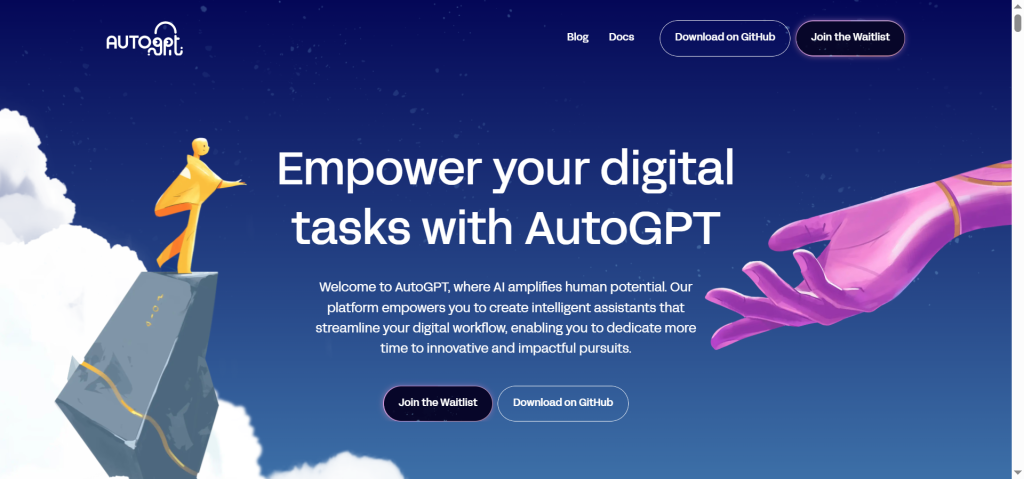
AutoGPT is one of the most famous agentic AI tools. It is open source, completely free, and built to handle complex, multi-step tasks.
What can it do?
AutoGPT can browse the web, read and write files, and even use other software. Give it a goal like “Create a short report on electric car battery trends”, and it will search for information, summarize it, and save the report to your computer.
How to use it for free
You will need to run AutoGPT on your own machine or use a free cloud version. The easiest way is to use the free online demo at AgentGPT (see Tool 3) which is built on similar ideas. But if you want the full original AutoGPT, follow these simple steps:
- Go to the AutoGPT GitHub page (search “AutoGPT” on Google).
- Download the files or use a free service like Gitpod to run it online.
- You will need an OpenAI API key. OpenAI charges a tiny amount per use, but you get free credits when you sign up. For light tasks, the free credits last a long time. The AutoGPT software itself costs nothing.
Who is this for?
People who like to tinker and are comfortable following written instructions. You do not need to be a coder, but basic computer skills help.
2. BabyAGI
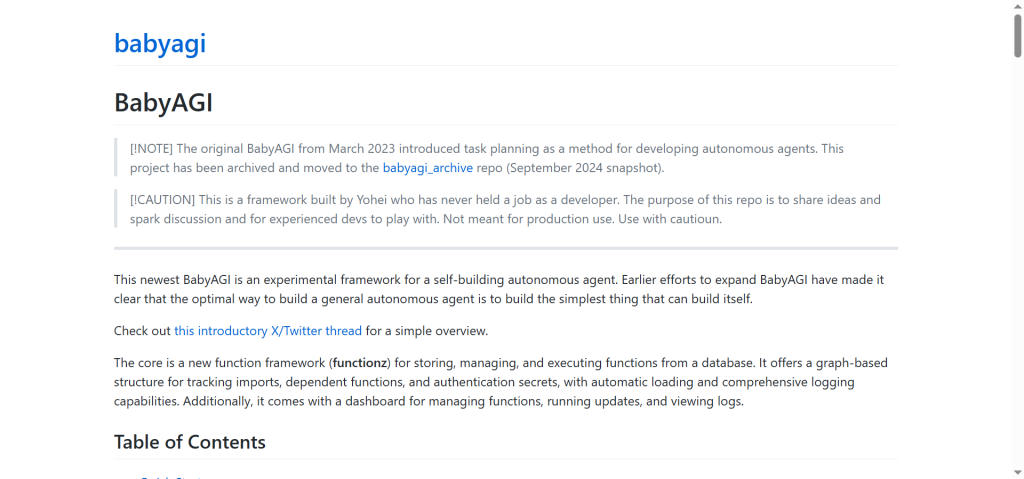
BabyAGI is another open source agentic AI. The name means “Baby Artificial General Intelligence”, but do not let that scare you. It is a simple, smart tool that creates and manages tasks on its own.
What makes it special?
BabyAGI works like a to-do list that writes itself. You give it an objective. It then creates a list of tasks, executes them, and uses the results to generate new tasks. It keeps looping until the objective is complete.
For example, tell BabyAGI: “Gather five healthy dinner recipes that cost under ten dollars.” It will break that into tasks like: search for recipes, filter by price, check ingredients, rank by health score, and finally list the top five.
How to use it for free
Like AutoGPT, BabyAGI requires an OpenAI API key. But the software is free. You can run it on your computer using a simple setup guide from its GitHub page. Or you can use a free notebook on Google Colab (search “BabyAGI Google Colab”), which runs entirely in your browser with no installation needed.
Pro tip
Start with very small goals. BabyAGI can go down rabbit holes if the objective is vague. For example, instead of “improve my website”, try “find three broken links on my website and write them down”.
3. AgentGPT
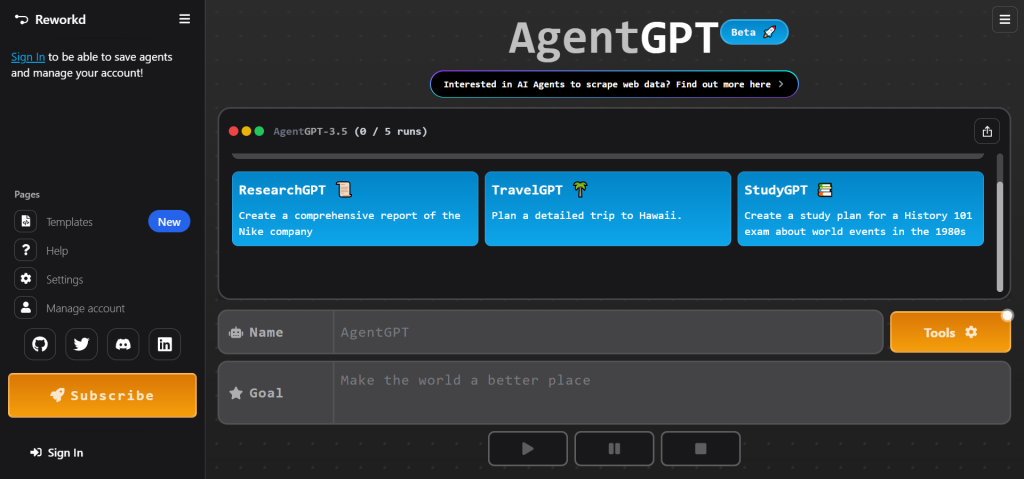
AgentGPT is a browser-based agentic AI. You do not need to install anything. You do not need an API key to start (though adding one unlocks more features). Just open the website and begin.
What can it do?
AgentGPT lets you name an agent, give it a goal, and watch it work in real time. You see every step it takes. If it gets stuck, you can step in and give it a new instruction. It is like having a conversation with a busy intern who actually gets things done.
How to use it for free
Go to the AgentGPT website. Type your goal in the box. Click “Deploy Agent”. The free version works great for simple tasks like research, writing drafts, or planning a small project. If you want it to browse the web or use external tools, you can add your own API keys – but that is optional.
Best for
Quick tests and learning how agentic AI thinks. Because you see every action, you can understand why the agent makes certain choices. It is very beginner friendly.
4. SuperAGI
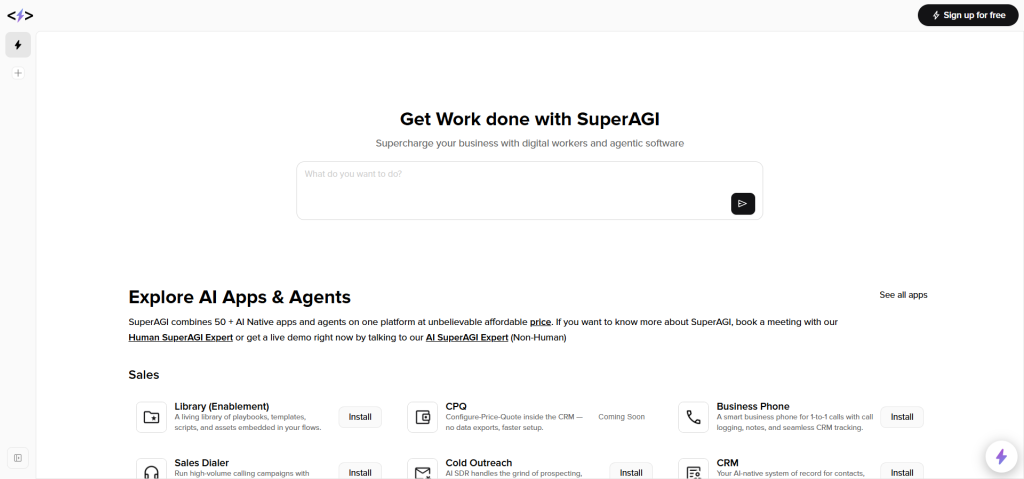
SuperAGI is a more visual and feature-rich agentic AI platform. It is also open source and free. If you like dashboards, graphs, and seeing your agent’s “brain” at work, this one is for you.
What does it offer?
SuperAGI comes with a nice user interface. You can create multiple agents, give them different tools (like a web browser, a calculator, or a code runner), and monitor their performance. It keeps a history of every action so you can review what worked and what did not.
How to use it for free
You can install SuperAGI on your own computer using Docker (a free tool that packages software). They also offer a cloud version with a free tier that does not require any installation. The free tier gives you enough credits to run many small to medium tasks each month.
Who should try this?
People who plan to use agentic AI regularly for work or study. The extra features help you organize your agents and improve their results over time. But if you just want to test the waters, start with AgentGPT first.
5. Open Interpreter
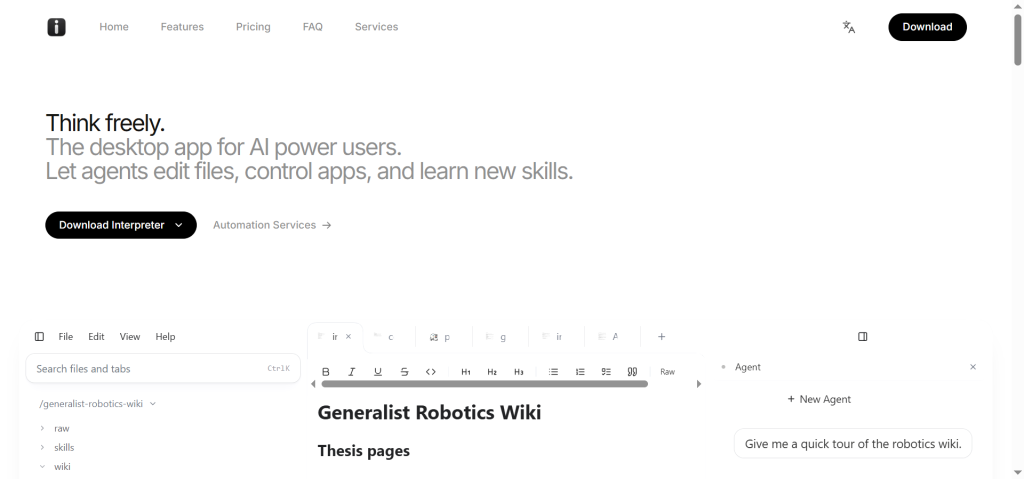
Open Interpreter is a different kind of agentic AI. It lets a language model run code on your computer. That means you can give it instructions like “analyze this sales spreadsheet and create a chart” or “rename all the photos in this folder by date”.
Why is this agentic?
Because Open Interpreter does not just write code – it runs it, sees the result, and decides what to do next. If the code fails, it tries to fix it. If it needs more data, it searches for it. It acts like a junior programmer who works under your supervision.
How to use it for free
Install Open Interpreter using a single command in your terminal (available on Windows, Mac, and Linux). The software is 100% free. You will need an API key from OpenAI or a free local model (like Ollama) if you want to avoid cloud costs. The easiest path for beginners: use the free trial credits from OpenAI.
Safety note
Because Open Interpreter can run code on your computer, be careful. Only use it in a folder with unimportant files, or create a test folder first. The developers have built safety checks, but it is always smart to be cautious.
Quick comparison table
| Tool | Best for | Setup difficulty | Needs API key? |
|---|---|---|---|
| AutoGPT | Complex, multi-step research | Medium | Yes |
| BabyAGI | Task chains and loops | Medium | Yes |
| AgentGPT | Beginners and quick tests | Very easy | No (optional) |
| SuperAGI | Regular users who want control | Medium | Yes |
| Open Interpreter | Automating local files and code | Medium | Yes (or free local model) |
All five tools are completely free to download and use. The only potential cost is if you use a paid API key, but you can start with free credits or use local models to avoid paying anything.
Frequently Asked Questions
Do I need to know how to code to use these tools?
Not really. AgentGPT requires zero coding. AutoGPT and BabyAGI need you to follow written guides, but you do not write code yourself.
Open Interpreter is the most technical, but you can copy-paste simple commands. If you can install software on your computer, you can use these tools.
Are these tools really free forever?
The software itself is free because it is open source. However, some tools rely on API keys from companies like OpenAI.
Those companies give you free credits when you sign up. For example, new OpenAI accounts get five dollars of free credit.
That is enough for hundreds of small tasks. Once the free credits run out, you can either pay a tiny amount (pennies per task) or switch to a free local model like Ollama.
Can I use agentic AI for my business or freelance work?
Yes, many people do. You can automate competitor research, draft email campaigns, analyze data, and much more. Just remember that free tools may have rate limits or slower speeds. For critical business tasks, you might eventually want a paid setup, but free tools are perfect for starting and testing ideas.
What is the difference between agentic AI and regular AI chatbots?
Regular chatbots answer your questions one at a time. Agentic AI thinks ahead, plans steps, and keeps working until it finishes a goal. A chatbot tells you how to bake a cake. Agentic AI finds the recipe, writes the shopping list, and adds the ingredients to your online cart.
How do I learn to build my own agentic AI from scratch?
That is a bigger question, but a very good one. Understanding agentic AI starts with solid programming skills and knowledge of AI models. If you are serious about building your own agents, you should learn Python, API integration, and prompt engineering. Many people start with our beginner-friendly courses that cover these topics step by step.
What you can do next
You do not need to be an expert to get value from agentic AI. Pick one tool from this list – AgentGPT is the easiest – and give it a simple goal. Something like “write a thank you email template for customers” or “find three interesting articles about gardening”.
Watch how the agent thinks. Notice when it makes good choices and when it gets confused. That is how you learn to use these tools well.
And if you want to go deeper – if you want to understand not just how to use agentic AI, but how to build your own or integrate it into real projects – that is exactly what we teach at Bootcamp.al.
We have helped over one thousand students go from beginners to job-ready developers. Our courses start with the absolute basics and go all the way to cutting-edge topics like Agentic AI. You get real projects, mentor support, and a path that actually works.
Ready to build your future with AI?
Try one of the free tools above today. Then, when you are ready to level up, explore our full courses.
- See all our courses and find the right one for you
- Learn what makes our project-based method different
- Check out our flexible pricing and free trial
- Read more articles like this on our blog
The world of AI is moving fast. But you do not need to run – you just need to start.
Here is a question for you: What is the first task you would automate with agentic AI? Take a moment to imagine it. Then go try it with one of these free tools.
Your future self will thank you.